
Modern Home Networking | Why Your Mesh System Fails
Modern Home Networking | Why Your Wi-Fi Mesh System Is Failing
In 2026, Modern Home Networking acts as the invisible foundation of every digital life. We connect dozens of smart locks, cameras, and speakers, expecting flawless performance throughout the house. To solve “Dead Zones,” most homeowners buy a 3-pack or 4-pack Wi-Fi Mesh system and scatter the units in every room. However, a radio-frequency reality remains: more hardware does not always mean more speed. If you don’t understand “Backhaul” and “Signal Overlap,” your expensive mesh system will actually slow down your internet through self-interference.
The “Too Many Nodes” Interference Trap
The biggest mistake in contemporary home connectivity involves over-saturating a small space with Mesh units.
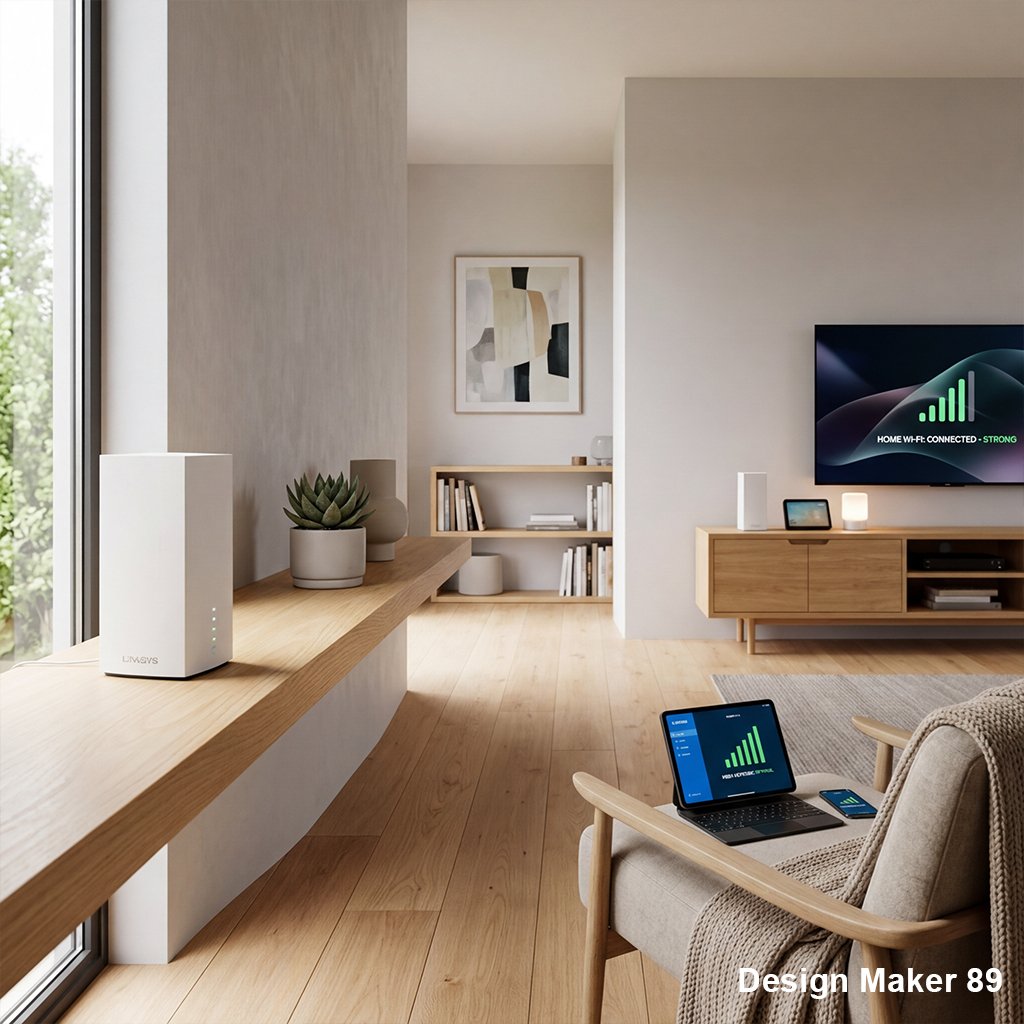
I recently audited a 2,000-square-foot apartment where the owner had installed five Mesh nodes. Instead of high speeds, their devices constantly disconnected because the signals were “fighting” each other. The Lesson: Every Mesh node creates its own “bubble” of radio noise. According to IEEE Xplore research on wireless interference, placing nodes too close together forces devices to “bounce” between signals. For successful Modern Home Networking, use the minimum number of units necessary. Usually, two high-quality nodes are better than five cheap ones for an average home.
The “Wireless Backhaul” Bottleneck
In 2026, most Mesh systems talk to each other wirelessly. While convenient, this “Wireless Backhaul” uses up to 50% of your total bandwidth just for the nodes to communicate with each other.
I’ve seen dozens of users complain about slow speeds at the “Secondary Node” in their bedroom. They don’t realize that the node is struggling to reach the main router through two concrete walls. The Fix: Use “Ethernet Backhaul” (wiring your nodes together with a cable). If you can’t run wires, ensure the nodes have a “Clear Line of Sight” to each other. High-quality Modern Home Networking requires a strong “spine” to carry the data. If the nodes can’t talk to each other clearly, they can’t give you fast Wi-Fi.
Why “Node Height” Destroys Signal Range
A common mistake in Modern Home Networking is placing Mesh units inside cabinets, behind TVs, or on the floor for “aesthetic” reasons.
My Personal Experience: I once helped a client who hid their main router inside a metal decorative box to match their decor. Their signal dropped by 70% instantly because the metal acted as a “Faraday Cage.” The Advice: Radios work best when they are high and open. Place your Mesh units at least 3 feet (1 meter) off the ground, ideally on a shelf or mounted on a wall. For expert guidance on home network placement, refer to TP-Link or Netgear technical whitepapers. Your router is a tool, not a piece of hidden furniture.
The “IoT Congestion” Security Risk
Most homeowners connect their smart light bulbs, fridges, and laptops to the same 2.4GHz network. In 2026, this creates a “Traffic Jam” that slows down your high-speed devices.
I’ve seen “Smart Homes” where Netflix kept buffering simply because 40 cheap smart bulbs were constantly “pinging” the router on the same channel. The Pro Tip: Use a “Guest Network” or a dedicated “IoT VLAN” for your smart devices. This keeps the “chatter” of your light bulbs away from your work laptop and gaming console. In the world of Modern Home Networking, separation equals speed.
The “Auto-Update” Reliability Myth
Manufacturers want you to trust their “AI-powered” auto-optimization. However, these systems often choose the wrong channel or reboot your network during an important video call.
The Strategy: Learn to manually select your Wi-Fi channels (1, 6, or 11 for 2.4GHz) using a free “Wi-Fi Analyzer” app. True Modern Home Networking mastery means you control the environment, not a hidden algorithm. If your Mesh system doesn’t allow manual control, it isn’t truly “Smart.”
Why Trust Design Maker 89?
At Design Maker 89, we believe that “Connectivity is Oxygen.” Our IT specialists combine network engineering with interior planning. We know that in 2026, a house without a stable network is just a building with gadgets. We test Mesh systems for their actual throughput, latency under load, and signal penetration through various materials. Our mission empowers you to build Modern Home Networking that disappears into the background so you can enjoy your digital life without the spinning “loading” icon.
read more about
Smart Lighting Design | Why Smart Bulbs Ruin Your Home
Smart Kitchen Gadgets | Why Your Countertop Is A Graveyard
Smart Lock Security Risks | Is Your Home Actually Safe?
The Sensor Faucet Scam | Is Hands-Free Actually Stress-Free?
The UV Purifier Scam | Is Your “Smart Water” Just a Light Show?
The Smart Lock Trap | Is Your Digital Key a Security Risk?
The Smart Blinds Scam | Luxury Convenience or Battery Nightmare?